The Day I Deleted 50GB of node_modules: My Migration from npm to pnpm
• Zahid Ul Islam
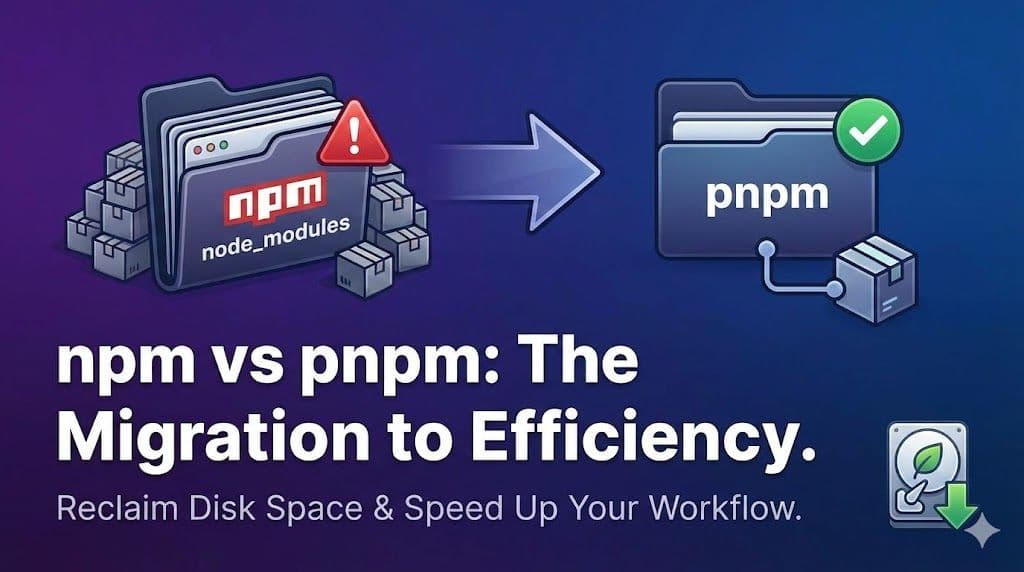
For years, I accepted that JavaScript development meant sacrificing gigabytes of disk space to the black hole of node_modules. Then I hit a breaking point. This is the story of my skeptical transition from npm to pnpm, a deep dive into the technical magic of content-addressable storage, and a practical guide to reclaiming your hard drive and speeding up your workflows.
If you are a JavaScript developer, you know the meme. You clone a repository, type
npm install, and then you wait. You wait while your internet connection weeps, your CPU fans spin up to resemble a small hovercraft, and a folder named node_modules appears, often becoming heavier than the operating system you are running it on.For years, this was just "the way it was."
npm (Node Package Manager) is the default; it’s ubiquitous, and it generally works. I didn't question it. I treated disk space like an infinite resource and accepted long CI/CD build times as a good excuse to grab another coffee.But recently, I hit a wall. My 512GB MacBook Pro started screaming about low disk space. I ran a disk analysis tool, and the culprit wasn't my photo library or my video editing projects. It was dozens of Javascript projects, past and present.
I realized I had
React v18.2.0 sitting on my hard drive in 35 different locations.That was the breaking point. I needed a better way to manage dependencies. I decided to finally investigate the alternative I’d been hearing whispers about in Twitter threads and Reddit comments: pnpm.
What started as a skeptical experiment turned into a complete overhaul of my development workflow. Here is my journey, the technical "aha!" moments, and how you can make the switch too.
The Problem with npm (And Why We Put Up With It)
To understand why pnpm is a game-changer, we have to understand why npm is... well, inefficient.
In the "bad old days" of early Node (
npm v2), dependencies were nested recursively. If package A depended on B, and B depended on C, the folder structure looked like node_modules/A/node_modules/B/node_modules/C. If you had deeply nested dependencies, file paths became so long that Windows couldn't even delete them.To fix this,
npm v3 introduced hoisting (a flat structure). It tries to pull everything up to the root node_modules folder.While better, this created two massive new problems:
- The Phantom Dependency Problem: Because everything is flattened to the root, your code can technically import packages that aren't listed in your
package.json. This works locally but fails spectacularly in CI/CD environments or on your colleague's machine. - Massive Duplication: If Project A uses
lodash@4.17.20and Project B useslodash@4.17.20, npm downloads and extracts that exact same code twice into two differentnode_modulesfolders.
Multiply that duplication by the thousands of dependencies a modern web app uses, and you get my 50GB disk space crisis.
Enter pnpm: The "Aha!" Moment
I had avoided pnpm because I assumed it was just another flavor of
yarn—slightly faster, maybe prettier output, but fundamentally doing the same thing.I was wrong. pnpm changes the fundamental physics of package management.
When I first tried pnpm on a medium-sized Next.js project, two things shocked me:
- The install finished incredibly fast.
- The resulting
node_modulesfolder seemed suspiciously small.
I thought it had failed. But when I ran
npm run dev, everything worked perfectly. How?The Magic: Content-Addressable Storage
pnpm does not copy packages into your project’s
node_modules folder in the traditional sense. Instead, it uses a clever combination of a global store, hardlinks, and symlinks.Here is the non-rocket-science explanation:
Imagine a physical library.
- npm's approach: Every time someone wants to read "Harry Potter," the library buys a brand new paperback copy and gives it to them to keep forever in their house.
- pnpm's approach: The library buys one high-quality hardcover reference copy and keeps it in a secure vault (the global store). When you want to read it, they give you a magical slip of paper (a symlink) that instantly teleports the content of that reference book onto your desk when you open it.
The Technical Breakdown:
When you run
pnpm install, it checks a global folder on your machine (usually somewhere like ~/.pnpm-store).- If a specific version of a package already exists in that global store, pnpm creates a hardlink from that global store location into a hidden
.pnpmfolder inside your project'snode_modules. A hardlink isn't a copy; it's just another directory entry pointing to the exact same file data on the disk. It takes up effectively zero extra space. - It then creates a symbolic link (symlink) from that hidden folder to the standard
node_modules/package-namelocation where Node expects to find it.
The result? You have 100 projects using the same version of React? You only have one physical copy of React on your entire hard drive. The 100 projects just contain tiny pointers to that master copy.
Furthermore, pnpm is strict. It uses symlinks to ensure that your project can only access packages specifically listed in your
package.json. The "phantom dependency" problem vanishes overnight.The Transition: My Experience
The actual switch was anticlimactic in the best way possible. It was scary how easy it was.
1. The Installation
Installing pnpm is straightforward. If you have Node installed, you can even use corepack (which ships with Node now):
Shell
corepack enable
corepack prepare pnpm@latest --activate
Alternatively, you can use npm to install its replacement (the irony is not lost on me):
npm install -g pnpm2. The "Great Cleansing"
I navigated to my active project. It was time to say goodbye to the bloat.
Shell
# The satisfying part
rm -rf node_modules
rm package-lock.json
3. The Migration
I didn't have to manually rewrite my
package.json. pnpm has a brilliant command that reads your existing lockfile (npm or yarn) and translates it.Shell
pnpm importThis generated a
pnpm-lock.yaml.4. The First Install
I ran the magic command:
Shell
pnpm installIt zoomed. It reused packages it had already cached from my other experiments. The output was clean, informative, and fast.
I spun up the development server. It worked. I ran my Jest tests. They passed.
I then spent the next hour going through my archived projects, deleting their
node_modules folders, and running pnpm install. I watched my available disk space climb by gigabytes every few minutes. It was intoxicating.A Quick Guide to Setup and Usage
If you are ready to try it, here is your cheat sheet.
Basic Commands: They are almost exactly identical to npm, so muscle memory serves you well.
npm install->pnpm install(or justpnpm i)npm install <package>->pnpm add <package>npm install -D <package>->pnpm add -D <package>npm run <script>->pnpm <script>(e.g.,pnpm dev)npm uninstall <package>->pnpm remove <package>
For Monorepos (Workspaces): This is where pnpm really shines. Its workspace support is first-class and incredibly fast because linking packages within a monorepo is essentially free.
You just need a
pnpm-workspace.yaml file in your root:Yaml
packages:
  - 'apps/*'
  - 'packages/*'
Running
pnpm install at the root seamlessly links all your local packages together.Are there any downsides?
Honesty is important. It’s not 100% perfect, though it's close.
- Very Old Tooling: Some very old build tools or obscure React Native setups occasionally get confused by pnpm's symlinked structure, expecting the flat
npmstructure. This is becoming exceedingly rare in 2024, however. - Docker/CI Caching: You have to slightly adjust your Dockerfiles to take advantage of pnpm's store. You don't want to re-download the whole internet on every build. (Fortunately, pnpm has excellent documentation on setting up CI caching).
Conclusion: Make the Switch
Moving to pnpm wasn't just about saving disk space; it was about adopting a tool that felt like it was designed with modern development realities in mind. It's faster, it's stricter, and it respects my hardware.
If you are still staring at a spinning
npm install loading bar, do yourself a favor. Take 15 minutes today and try pnpm on one project. Your hard drive will thank you.